雷电模拟器&IDA动调.so文件
前提:雷电模拟器开启root权限,模拟器设置中开启开发者模式&&USB调试
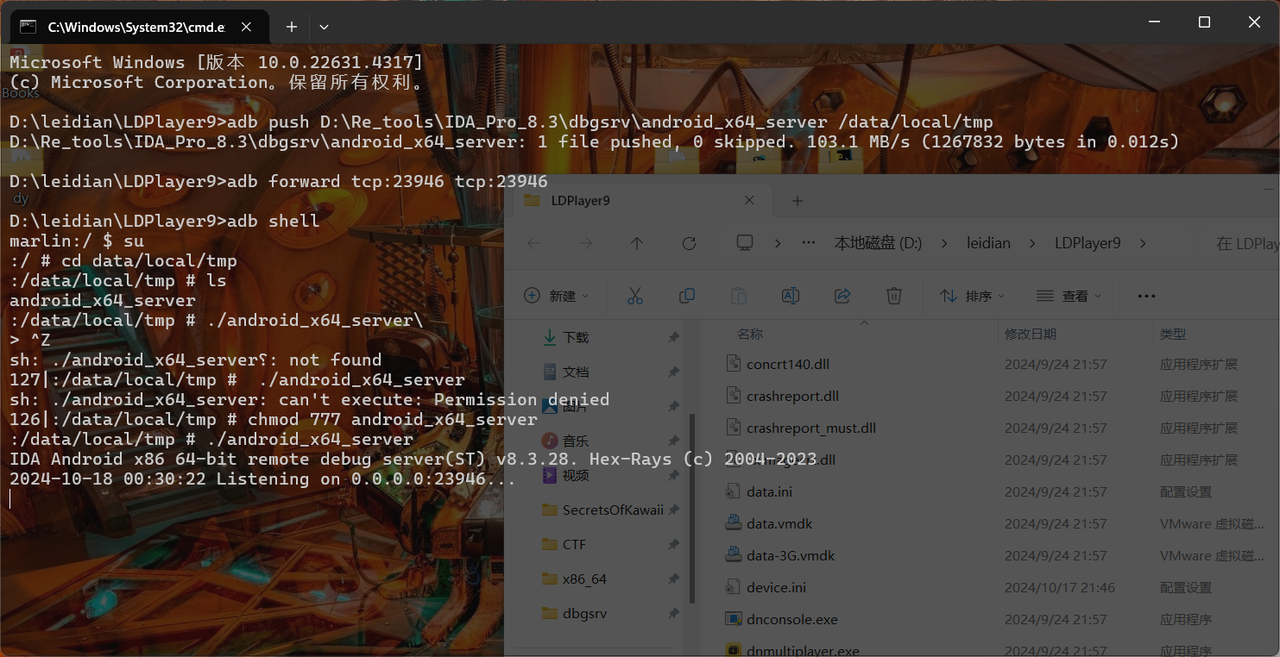
1 | adb push ../../../../android_x64_server \data\local\tmp |
虚拟机中运行apk,用ida打开.so文件:
1.IDA打开so文件,定位到待分析函数并下断点:【New】【Export或Function window搜索函数双击定位】
2.附加程序,进入动态调试界面:【Debugger—>Process options】【Hostname:127.0.0.1 Port:23946】然后【Debugger—>Attach to Process】
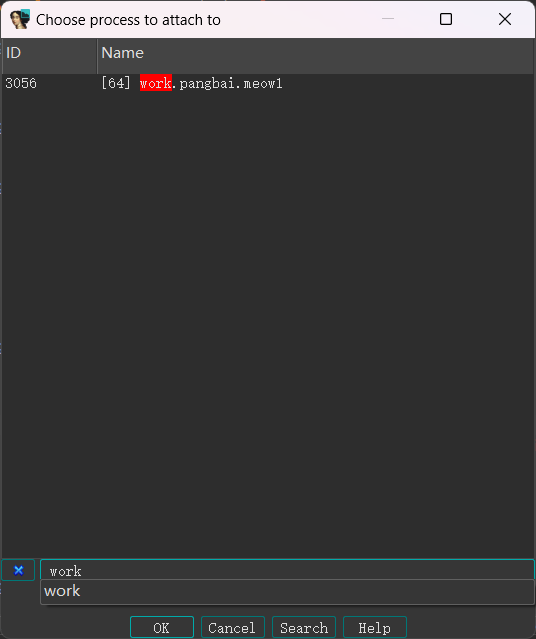
找到自己想要的进程,attach.